Hello RotoWire fans! Our "My Leagues" tool makes it easy to manage your fantasy football team throughout the entire season. We've created a playlist on YouTube to demonstrate how to get started and then use all the "My League" features. So either click here to go to YouTube, or simply watch the particular video below that answers whatever question you might have. We love the "My Leagues" feature and think you'll really enjoy it.
First, here's a simple Introduction explaining My Leagues:
Next, this video shows you how to Add Your Fantasy Football League to My Leagues:
To ensure you get correct league-specific advice from My Leagues, make sure you Check & Edit Your League Settings:
Here is how to use the My Leagues Features Throughout the RotoWire Web Site:
This video explains all the useful tools on the My Leagues Home Page:
And here are the Deeper Features Within My Leagues:


This video demonstrates a key aspect of My Leagues: How To Refresh Team Rosters...
Hey, would you like to receive Email Alerts With News For Your Players? Yeah, me too. Here's how:
Finally, for fans of the old MyRotoWire Watchlists, this video shows you how to Replace Watchlists With a Custom League in My Leagues:
Live Draft Sync
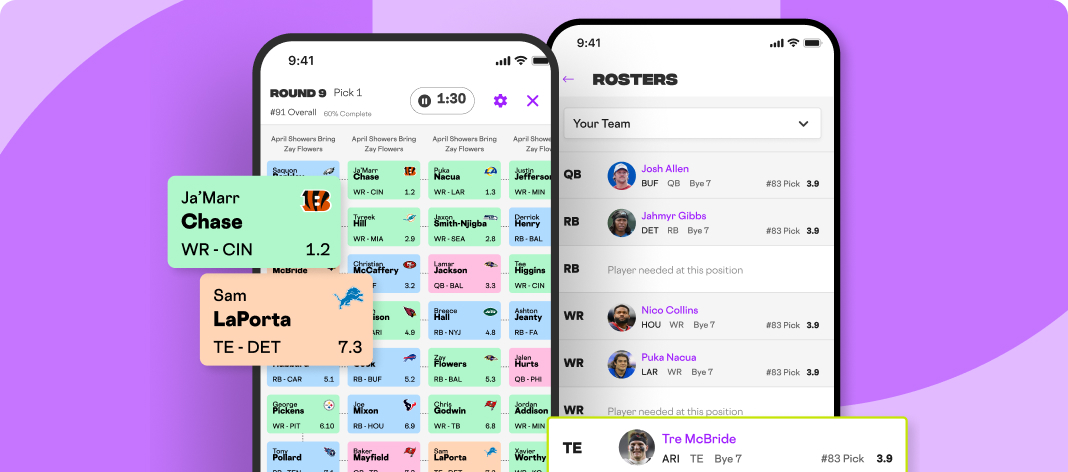
In addition to all of the great in-season tools explained in the videos above, we've added the game-changing Fantasy Football Online Draft Assistant with live sync. For most major league-hosting fantasy football platforms, RotoWire offers the ability to live sync with your league's draft room. You can view a full tutorial for syncing your drafts here.
Any questions? Send our team an e-mail at support@rotowire.com.